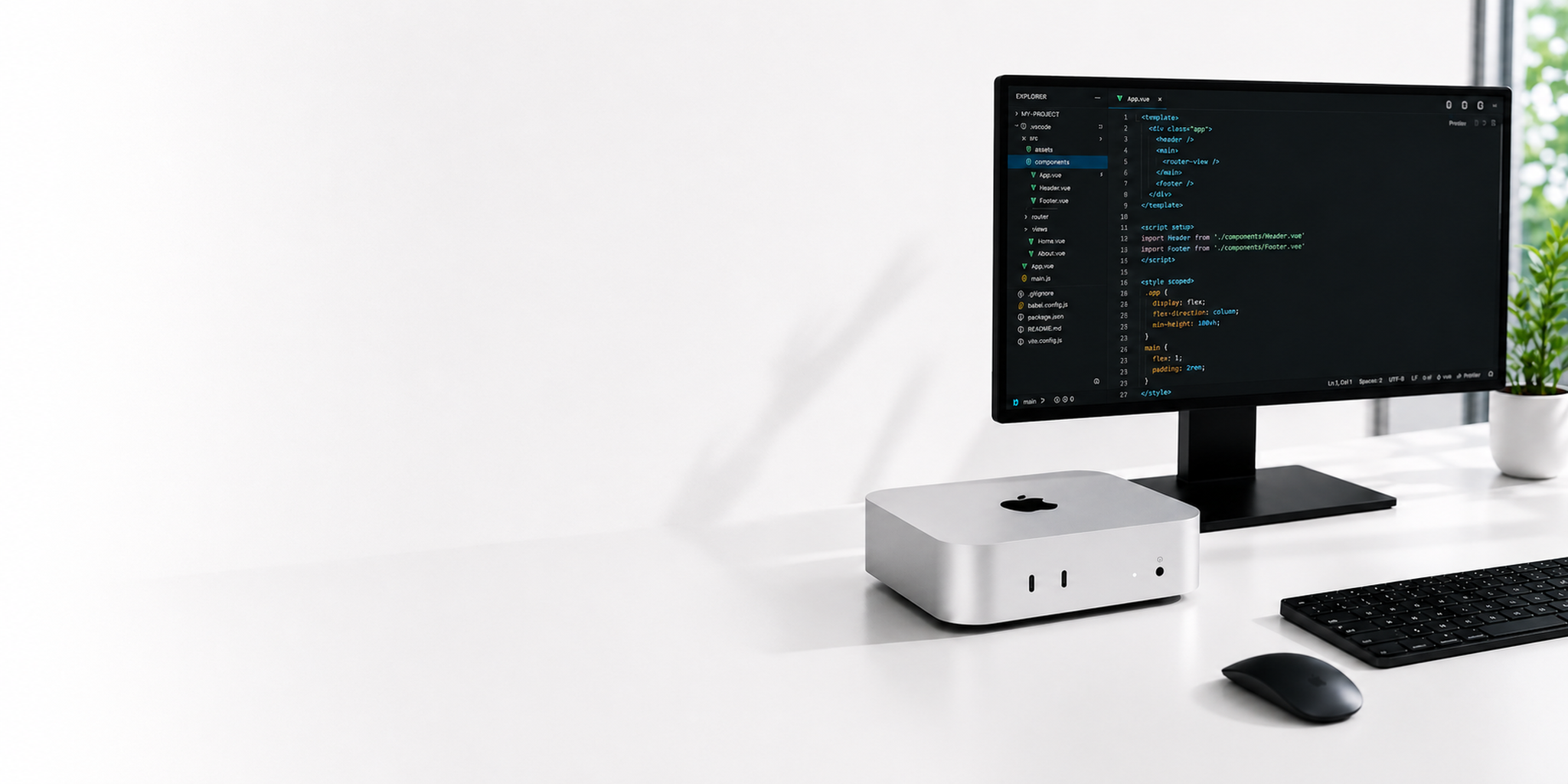
Mac mini
On-Demand Rental.
Mac mini M4 / M4 Pro cloud physical bare-metal machines, covering 5 global data center nodes. macOS environments ready anytime, billed monthly, and available within minutes of placing your order.
- 99.9% Availability Target
- < 60s Typical Setup Time
- SOC2 Compliance-Aligned
Four Core Advantages of ZuzCloud Mac mini Rental
ZuzCloud specializes in dedicated bare-metal Mac mini rentals with fast setup and monthly billing, built for iOS app development and CI/CD automation teams.
Ready to Rent, Powered by the Cloud
ZuzCloud's Mac mini M4 bare-metal power runs at full speed, significantly boosting Xcode build performance. Pay only for what you use — no need to buy hardware or build a data center.
Dedicated Hardware, Full macOS Ecosystem
Rent a dedicated physical Mac mini from ZuzCloud and run Xcode and any native macOS software, with your own Apple ID — an experience identical to a local Mac.
Flexible Terms, Multiple Cloud Nodes
ZuzCloud's cloud nodes span multiple regions worldwide. Every rented machine comes with a dedicated public IP and 1Gbps direct bandwidth, with monthly billing you can cancel anytime to match your team's changing needs.
Native CI/CD Pipeline Support
Connect directly to popular CI platforms like GitHub Actions and Jenkins to run automated builds and tests on a cloud Mac, freeing up your local development machine.
What Is Cloud Mac mini Rental?
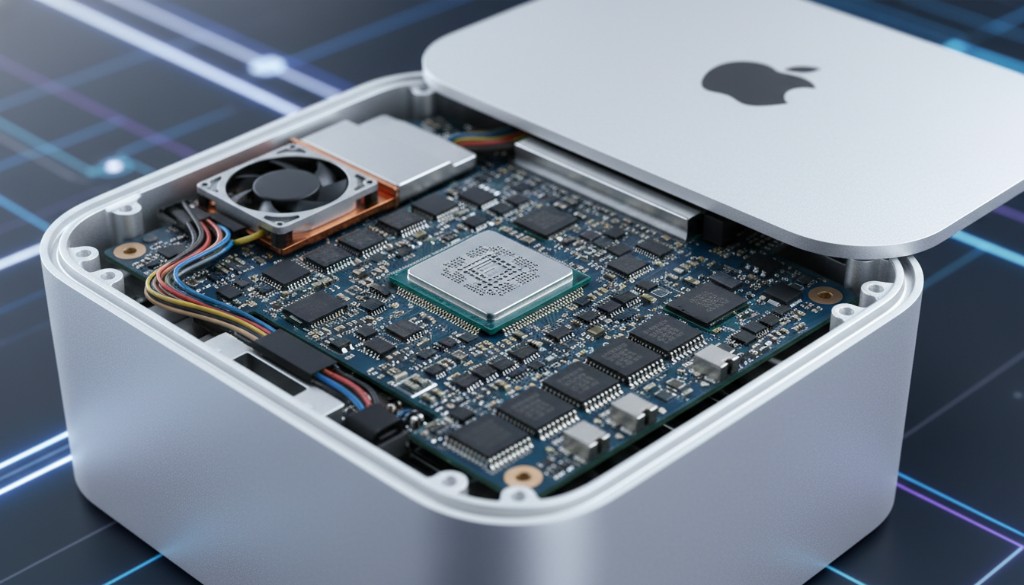
Cloud Mac mini rental means accessing a physical Apple Silicon machine hosted in a professional data center, reachable remotely via SSH or VNC over the internet. Unlike a Mac virtual machine, a rented cloud Mac gives you real hardware — a complete Mac mini server with native M4 / M4 Pro performance, zero virtualization overhead, and full compatibility with all macOS software.
ZuzCloud's cloud Mac mini rental platform spans 5 global nodes, and your dedicated Mac mini server can be up and running within minutes of payment. Whether you're building an iOS app, running CI/CD pipelines, or doing cross-platform development, macOS cloud rental costs far less than buying physical hardware — and scales anytime.
Every Mac mini rental instance has dedicated Apple Silicon compute — never shared with other users. ZuzCloud's cloud Mac infrastructure is built for developers and teams who need high availability, strong performance, and global access.
View Mac mini Rental Plans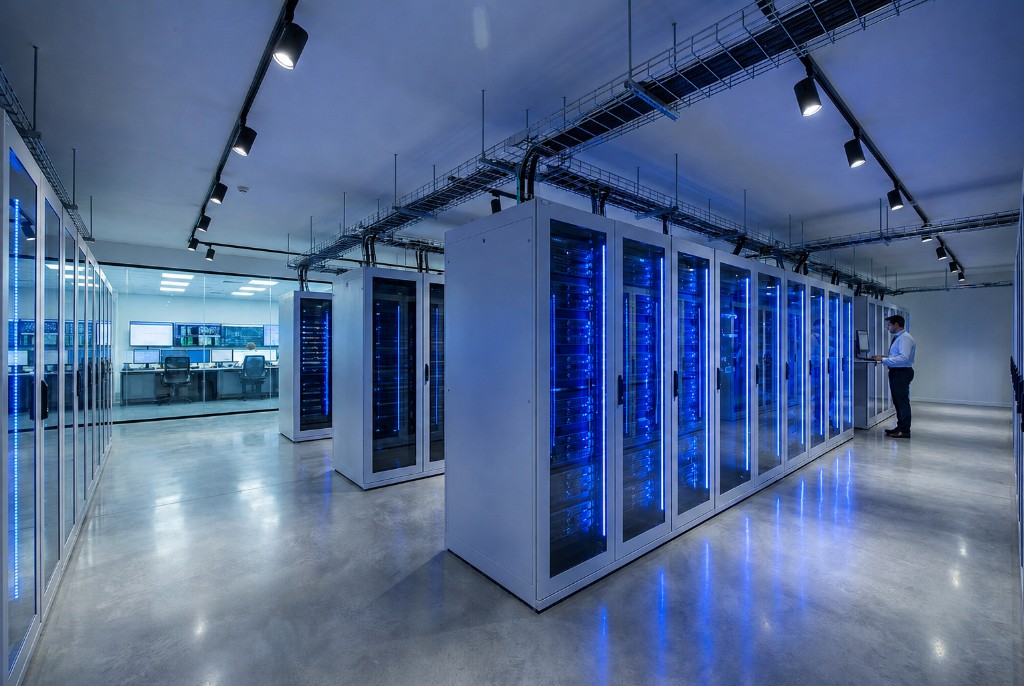
Mac mini Cloud Rental vs. Buying Hardware — Which Is Better?
When choosing between renting a cloud Mac mini and buying Apple hardware outright, rental clearly offers better overall value. Buying a Mac mini M4 Pro yourself typically costs over ¥10,000 upfront, plus rack hosting, bandwidth, power, and annual depreciation costs. In comparison, ZuzCloud Mac mini rental starts at just $103.1/month, with zero capital expense, no maintenance burden, and the ability to scale up or down anytime.
Need 10 Macs during a project sprint but back to zero next month? With macOS rental, release resources the moment your build is done. Cloud Mac mini rental billing matches your team's real work rhythm — no idle depreciation like with hardware you own outright.
If you've considered a Mac virtual machine as an alternative to Mac mini rental, be aware that Mac VMs come with inherent performance bottlenecks — see our VM vs. bare-metal comparison guide. For teams needing a graphical interface, we also offer full cloud remote desktop access.
View Rental PricingCloud Rental Node Locations
Choose the Mac mini rental node closest to your team for the lowest network latency and a stable remote access experience
Tokyo, Japan
AvailableHong Kong, China
AvailableSingapore
AvailableSeoul, South Korea
AvailableUS East
AvailableClear, Transparent Mac mini Cloud Rental Pricing
Rent a brand-new Mac mini M4 / M4 Pro, upgrade or scale anytime, no long-term contract required
M4.Mini
Personal learning & entry-level iOS cloud development
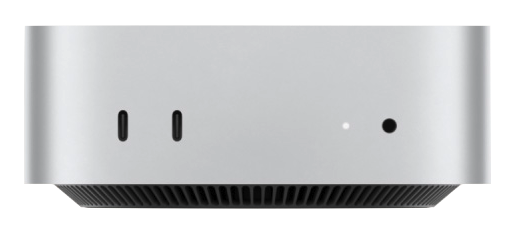
- 10-core CPU / 16GB RAM
- 256GB SSD
- Standard network + dedicated IP
M4.S
Professional macOS development & large app builds
- 10-core CPU / 24GB RAM
- 512GB SSD
- Dedicated bandwidth + priority support
M4.Pro
Enterprise macOS CI/CD & high-performance rendering
- 14-core CPU / 64GB RAM
- 2TB SSD
- High-speed 10Gbps dedicated line
* All prices exclude tax · +1TB storage $11.1/mo · +2TB storage $22.2/mo · Bonded connection $6.1/mo
Mac mini Rental Hardware Specs
Compare hardware specs across macOS rental plans to quickly find the one that best fits your needs
| Hardware Specs | Mac mini M4 Best Seller | Mac mini M4 Performance | Mac mini M4 Pro Flagship Workstation |
|---|---|---|---|
| Processor & Graphics | |||
| Core Count | 10-core | 10-core | 14-core |
| GPU Cores | 10-core | 10-core | 20-core |
| Neural Engine | 16-core | 16-core | 16-core |
| Memory & Storage | |||
| Unified Memory | 16 GB | 24 GB | 64 GB |
| SSD | 256 GB | 512 GB | 2 TB |
| Expandable Storage | 1 TB / 2 TB Optional add-on | 1 TB / 2 TB Optional add-on | 1 TB / 2 TB Optional add-on |
| Network & Access | |||
| Network Bandwidth | 1 Gbps Shared uplink | 1 Gbps Dedicated Public IPv4 | 10 Gbps Dedicated high-speed line |
| Remote Access | SSH / VNC | SSH / VNC | SSH / VNC / dedicated line |
| Service Guarantee | |||
| Dedicated bare metal | |||
| SLA Uptime | 99.9% | 99.9% | 99.95% |
← Swipe to see full specs →
How to Get Started with a Cloud Mac mini
Once you complete your macOS rental order, it only takes four steps to access your dedicated cloud Mac mini from any device — fully automated and fully traceable.
- Typically Ready in < 5 Minutes
- Fully Automated Delivery
- Dual SSH / VNC Access
Choose a Plan & Pay
Select a Mac mini M4 / M4 Pro cloud rental plan, configure your storage, choose monthly or quarterly billing, and pay online.
Automatic Cloud Setup
The platform automatically allocates your instance and deploys a clean macOS environment — fully hands-off, with delivery typically completed in just a few minutes.
Get Your Access Details
Log in to the console to view your rented host's IP address, VNC/SSH port, and initial login password — activation details are also sent to your registered email.
Connect and Start Working
Access your rented instance remotely via SSH or VNC, and immediately start running Xcode, CI/CD tasks, and automated tests on macOS.
Mac mini Rental FAQ
The questions developers ask most before starting a macOS cloud rental
Start Renting Now
Start Your
macOS Cloud Rental Experience
Rent powerful Mac mini M4 compute on demand, enjoy an exclusive first-month discount, cancel anytime, and try a clean macOS cloud environment risk-free.